
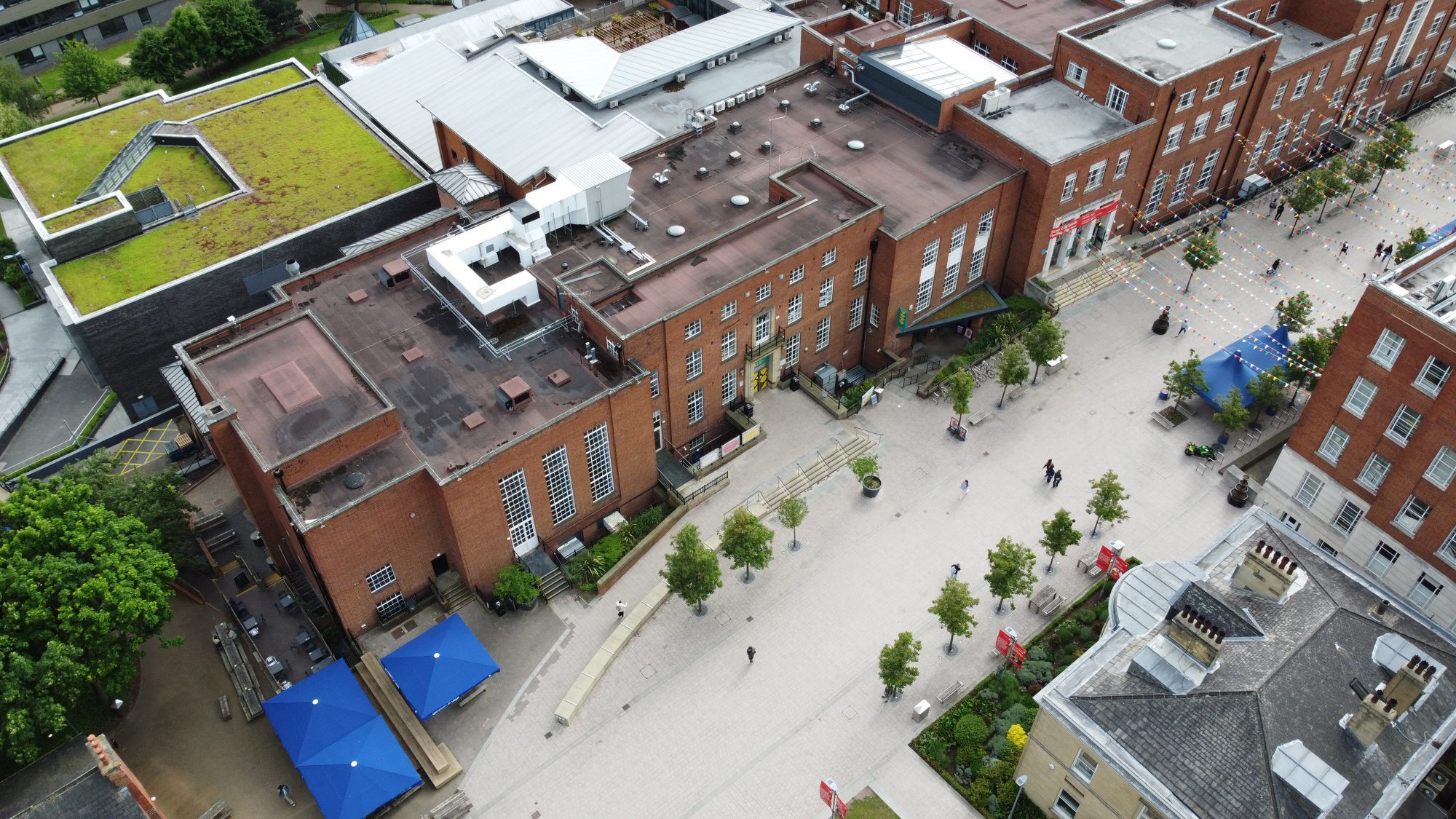
The Ultimate Guide to Drone Photography for Beginners
Imagine capturing breath taking aerial views of sunlit landscapes, rugged coastlines, or your hometown from angles once reserved for professionals. Drone photography opens up a world of creative possibilities, allowing beginners to produce stunning images with minimal experience. This guide equips you with everything from selecting your first drone to mastering shots and editing techniques, drawing on the latest 2026 advancements so you can start flying confidently today.
Why Drone Photography is Perfect for Beginners in 2026
Drone technology has evolved rapidly, making it easier than ever for newcomers to achieve professional results. Compact models with intuitive controls, advanced stabilization, and obstacle avoidance mean you don’t need years of practice to get airborne. In 2026, drones like the DJI Mini 5 Pro offer 1-inch sensors for high-quality RAW images, while features like 90-degree camera rotation enable true vertical shots ideal for social media.
The appeal lies in accessibility: lighter drones under 250g often skip registration in many areas, and apps provide real-time feeds for precise control. Whether you’re into travel, real estate, or nature photography, aerial perspectives reveal compositions impossible from the ground. Expect longer flight times – up to 45 minutes on models like the DJI Air 3S – and improved transmission via OcuSync 4 for reliable footage even in challenging environments.
Key benefits for beginners:
- Affordable entry points: Start under $500 with capable mini drones.
- Safety features: LiDAR obstacle avoidance prevents crashes.
- Creative freedom: Experiment with heights, angles, and panoramas effortlessly.
At Wigram Drones, we specialize in beginner-friendly gear that matches these trends, helping you build skills without breaking the bank.
Choosing Your First Drone for Photography
Selecting the right drone is crucial – focus on camera quality, stability, and ease of use over gimmicks. For beginners, prioritize compact, lightweight models with strong stabilization and reliable controls.
Top Beginner Drones in 2026
Here’s a breakdown of standout options based on 2026 reviews:
| Drone Model | Key Features | Best For | Flight Time | Price Range |
|---|---|---|---|---|
| DJI Mini 5 Pro | 1-inch sensor, RAW/bracketing, 90° rotation, under 250g | Budget photography, vertical shots | 30+ min | Entry-level |
| DJI Air 3S | Dual sensors, LiDAR avoidance, OcuSync 4, 45+ min flights | All-rounder, windy conditions | 45+ min | Mid-range |
| DJI Neo 2 | Controller-free, smartphone control, tracking modes | Travel, quick shots | 20+ min | Ultra-portable |
| DJI Mavic 4 Pro | Triple cameras (wide, 2.5x, 6x tele), Micro Four Thirds sensor | Advanced beginners, pro quality | 40+ min | Premium |
Data from recent benchmarks shows the DJI Air 3S as the best all-rounder for most users, balancing power and portability. Lighter options like the Mini 5 Pro excel for travel due to no-registration perks outside the EU.
Pro tip: Check sensor size (1-inch or larger for sharp images) and RAW support for post-editing flexibility. Visit Wigram Drones to explore these models with hands-on advice tailored to your needs.
Must-Know Buying Factors
- Weight: Under 250g avoids registration in many countries.
- Obstacle avoidance: Essential for safe beginner flights.
- Battery life: Aim for 30+ minutes; buy extras for extended sessions.
- Camera specs: 12MP+ resolution, adjustable aperture (f/4-f/5.6 ideal).
Avoid heavy pro models initially – stick to intuitive flyers with “smart modes” for automated shots.
Essential Drone Accessories for Stunning Shots
Accessories elevate your setup from basic to pro-level without complexity. Start with these must-haves for 2026.
- Extra batteries: Double your flight time; high-capacity packs are key for all-day shoots.
- ND filters: Reduce light for smooth motion blur and balanced exposures in bright conditions.
- Landing pad: Protects props on uneven terrain, like grass or sand.
- Carrying case/backpack: Lowepro DroneGuard or similar keeps gear organized and safe.
- Propeller guards: Prevent damage during learning crashes (use on mini drones).
- Cleaning kit: Microfiber cloths, blower, and lens pen for spotless sensors.
- GPS tracker: Tile Sport for locating lost drones via app.
ND filters stand out – they mimic cinema looks by controlling shutter speeds, crucial for dynamic aerial footage. A sunshade for your controller ensures visibility in harsh light. Skip bulky extras until you’re hooked.
Master the Legals: Drone Laws and Safety First
Flying legally builds confidence and avoids fines. In 2026, most countries require registration for drones over 250g – check your local aviation authority (e.g., FAA in the US). Use apps like DJI Fly for no-fly zone alerts.
Beginner safety checklist:
- Register if needed and label your drone with your ID.
- Fly below 400ft (120m) and keep visual line-of-sight.
- Avoid airports, crowds, and restricted areas.
- Check weather – winds under 15mph for starters.
- Insure your gear for peace of mind.
Helpful apps: DJI GO 4 for settings, AirMap for regulations. Always scout locations beforehand.
Camera Settings and Shooting Modes for Beginners
Nail your settings before takeoff for sharp, vibrant photos. Start in auto mode, then switch to manual for control.
Optimal Settings
- Format: Shoot RAW for maximum editing flexibility.
- ISO: 100-200 to minimize noise.
- Shutter speed: 1/100s+ for stills; slower for motion blur (with ND filters).
- Aperture: f/4-f/5.6 for depth.
- White balance: Manual or presets (Sunny/Cloudy).
Calibrate gimbal pre-flight for level horizons. Use bracketing for HDR merges in high-contrast scenes.
Quick modes to try:
- Smart/QuickShots: Automated pans and orbits for cinematic results.
- Panorama: Stitch epic wide views.
- Hover: Steady for precise compositions.
Composition Techniques: Elevate Your Aerial Shots
Great drone photos blend fundamentals with unique perspectives. Apply the rule of thirds – grid on your app places subjects off-center.
Pro techniques:
- Golden hour: Shoot at sunrise/sunset for warm light and shadows.
- Leading lines: Roads, rivers guide the eye.
- Variable altitudes: Low for close-ups, high for landscapes.
- Aspect ratios: Experiment with vertical for portraits.
- Cinematic fly-throughs: Slow, dynamic paths add drama.
Plan shots: Scout via Google Earth, note lighting. Reveal or isolate subjects – like a lone tree in a field – for impact.
Advanced Tips: From Panoramas to Editing
Once comfortable, level up.
Panoramas and HDR
Capture bracketed exposures, stitch in software like Lightroom. Drones excel at 360° views.
Post-Processing Workflow
- Import RAWs.
- Fix lens distortion.
- Adjust exposure/white balance.
- HSL color grading.
- Noise reduction, sharpen.
Tools like Luminar Neo enhance skies and merge HDR seamlessly.
Common pitfalls to avoid:
- Flying in wind >15mph.
- Forgetting battery calibration.
- Over-relying on auto – practice manual.
Practice Projects to Build Skills
Start small:
- Neighborhood overviews.
- Golden hour parks.
- Vertical real estate shots.
Join forums like Reddit’s r/drones for feedback. Track progress with a flight log.
Ready to capture your first epic shot? Explore beginner drones and accessories at Wigram Drones and take to the skies. With these steps, you’ll transform from novice to aerial artist – your portfolio awaits.